
Exclude a vector
What do to
Open up the Vector panel, locate the vector you want to exclude and select the three dot icon at the end of the vector row.
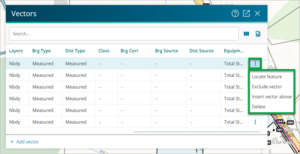
Select Exclude vector from the drop-down menu.
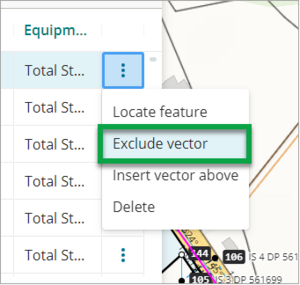
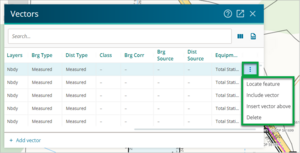
- The vector will now be excluded from Plan generation.
You can only exclude vectors which are captured with the Nbdy layer.


Include a vector
What to do
Open up the Vector panel, locate the vector you want to include and select the three dot icon at the end of the vector row.
Select Include vector from the drop-down menu.
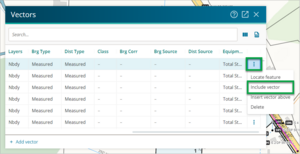
- The vector will now be included in Plan generation.

