
You can download a copy of the Schedule / memorandum as a PDF for your records.
- You can download a PDF regardless of whether the Schedule / memorandum is complete.
Any incomplete or invalid fields in the Schedule /memorandum panel will also display the warning triangle icon in the PDF.
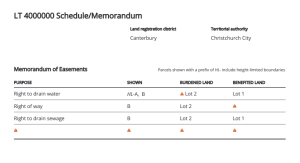
Ensure you resolve these in the Schedule / memorandum panel before attaching the Schedule / memorandum as a supporting document. If you submit your survey with a warning triangle still showing in the attached supporting document, you are likely to get requisitioned.

Note that you do not need to download a PDF to attach the completed Schedule / memorandum to your survey as a supporting document.
See: Attach completed Schedule / memorandum as supporting document
To download the Schedule / memorandum as a PDF
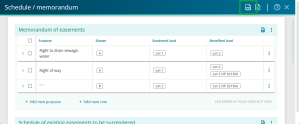
Select the Download as PDF icon in the Schedule / memorandum header.
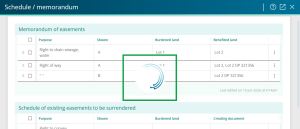
You will see a spinner while Landonline processes the download.
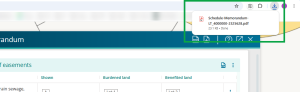
Once complete, the Schedule / memorandum is downloaded as PDF to the default download location on your computer.


Example of a Schedule / memorandum downloaded as PDF:
